Build Your Wishlist

The first step to securing funding is building a plan for your program. Let us help you get started.

// AUTOSIM-200

autoSIM-200 – Automation Training Simulator

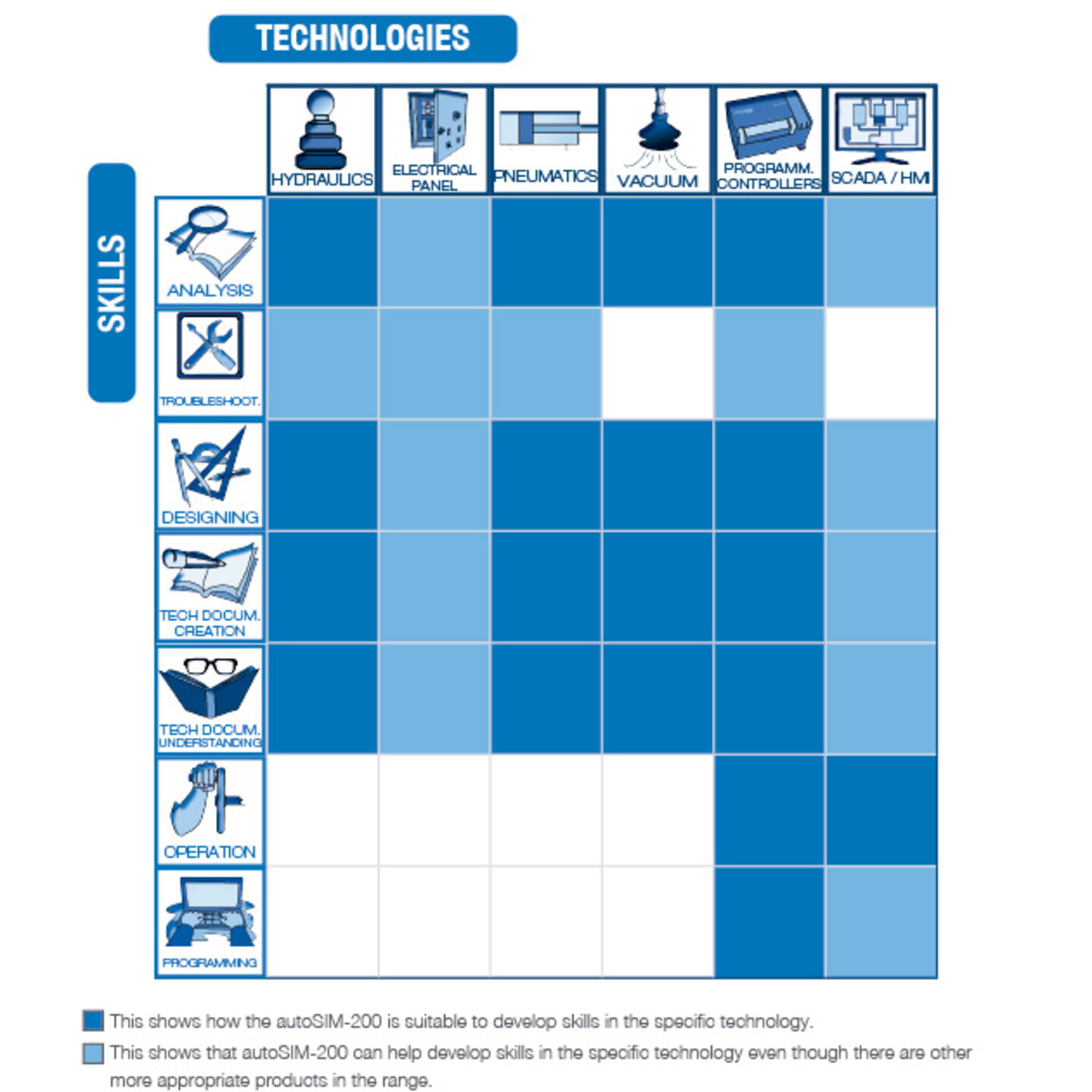
The autoSIM-200 simulation software is our all-encompassing digital software from SMC for creatingsimulating, and visualizing Electrical, Pneumatic, Hydraulic and Control Circuits.

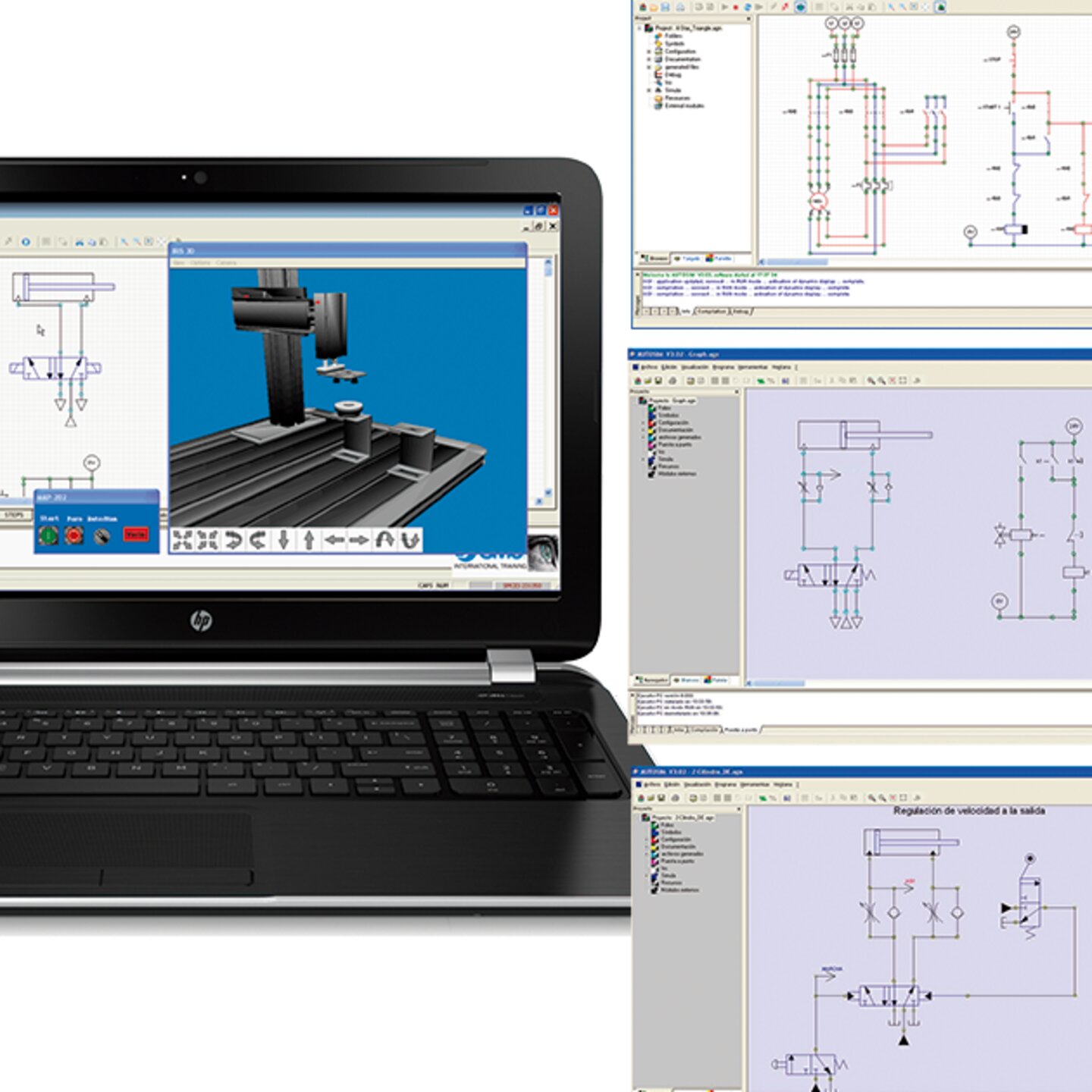
With autoSIM-200, it is possible to carry out dynamic, multi-color simulations using pneumatic, electro-pneumatic, hydraulic, electro-hydraulic, electrical and electronic circuits. A Library stocked with Industrial Component are displayed by means of drop-down menus, showing individual standardized symbols, including conventional and proportional pneumatic and hydraulic valves.

autoSIM-200 can be used to create Grafcet diagrams, Ladder, Logigramme (logic gates) and function blocks with structured text. By running the simulation, it is possible to monitor and control the application step by step.

autoSIM 2D provides students with practical lab activities and proposed circuit simulations for SMC Training Systems.

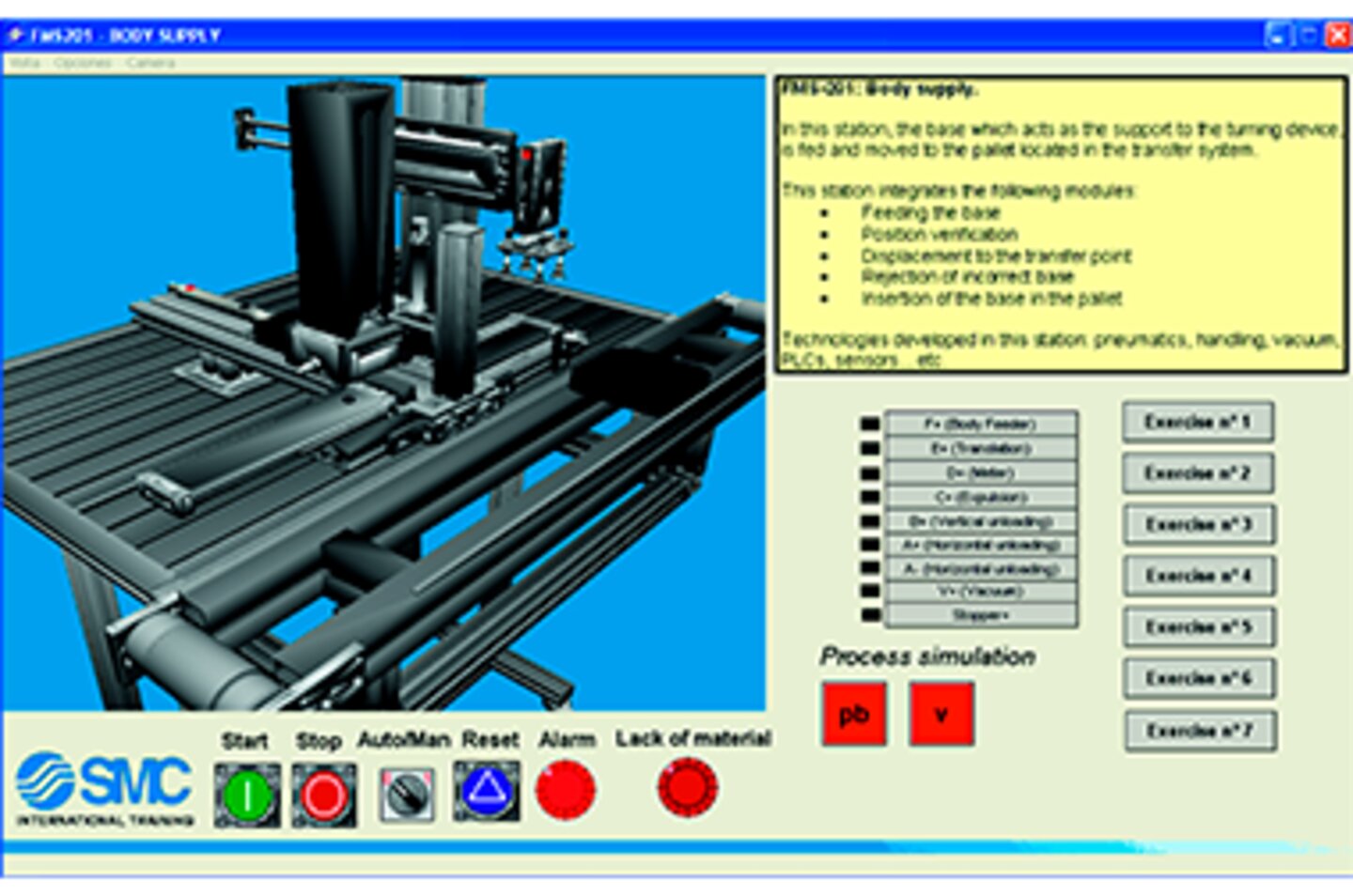
autoSIM 3D delivers students the 3D virtual models of SMC mechatronics training systems for programming, controlling, and monitoring automated processes.

Description

SMC’s autoSIM software allows 2D and 3D simulation of industrial automation applications that incorporate pneumatic, electro-pneumatic, hydraulic, electro-hydraulic, electrical and electronic technology simultaneously through graphics.

SIMULATION:

  • The dynamic simulation of pneumatic/electropneumatic, hydraulic/electrohydraulic, electrical and electronic circuits (sequential and combinational).
  • Importing of 3D drawings from the following programs: 3D Studio and SolidWorks.
  • Design and dynamic simulation of operational parts in 2D and 3D, generation of animated demonstrations and design of system supervision application.

PROGRAMMING:

  • The creation of Grafcet, Ladder, Logigramme (logic gates) and functional block diagrams with structured text. When the simulation is run, the application can be monitored and controlled step-by-step.
  • Generation of symbol tables to be able to address the variables.

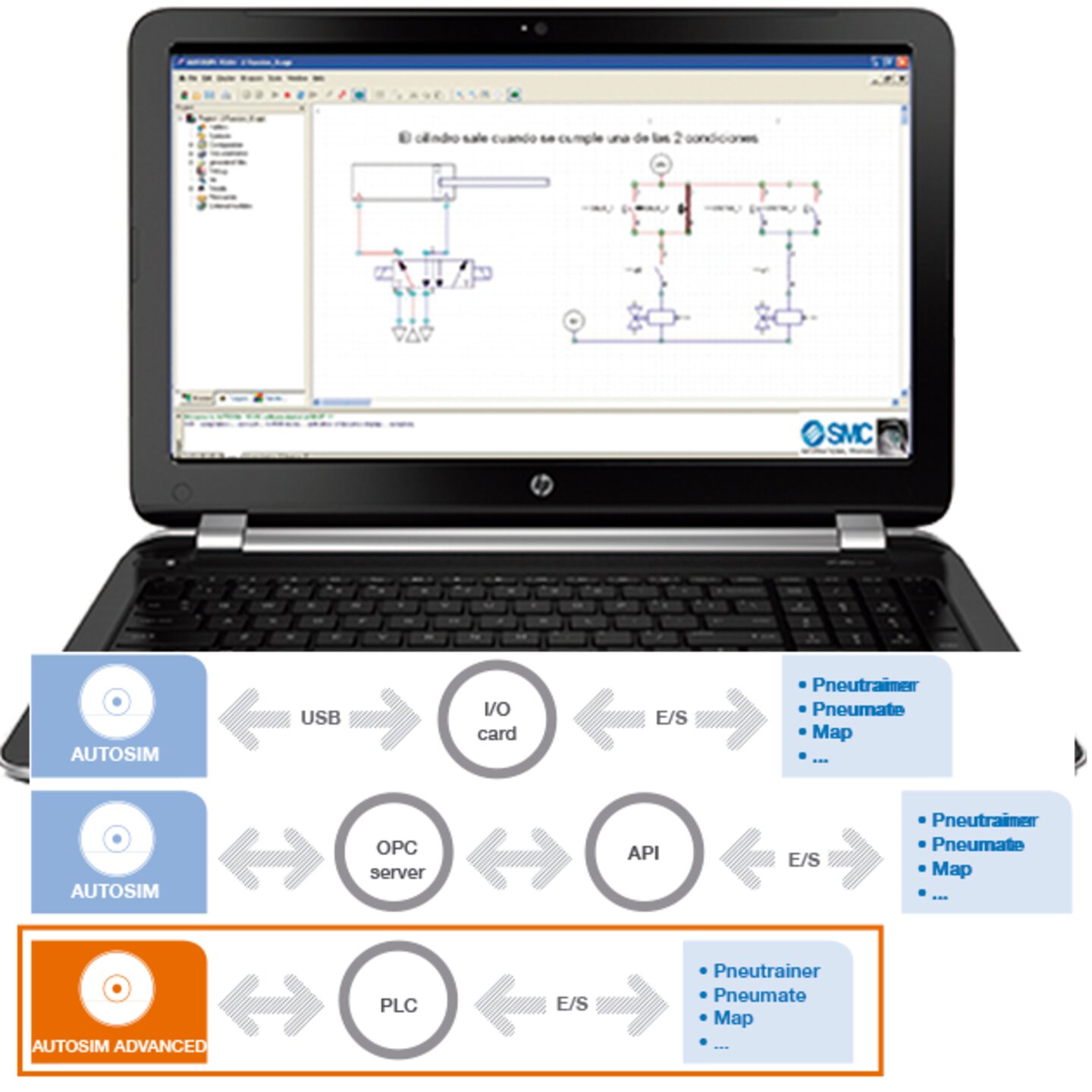
CONNECTING THE APPLICATION WITH THE OUTSIDE WORLD:

This connection can be established through:

  • Automatons (PLCs) via OPC communication protocol.
  • Data acquisition cards.

LIBRARIES:

SIMULATION

  • Pneumatic – Hydraulic which will incorporate the following elements: accessories (filters, regulators, lubricators, dryers, etc.), power supply, actuators, on/off and proportioning valves, detectors, logic gates, pressure regulators, speed controllers, motors, timers, etc…
  • Electrical which will incorporate the following elements: accessories (diode, fuse, voltmeter, etc.), output components (solenoid valve, relay), connection blocks, contact switches, detectors, power supplies, motors (single phase and three-phase DC and AC), etc.
  • Electronic which will incorporate the following elements: meters, flip-flops, power supplies, logic gates, displays, etc.
  • User-defined objects with own designs and pneumatic, hydraulic or electrical connections using commands such as MOVV, ADDV, SUBV, MULV, DIVV, JUMP, JPIF, ORRV, ANDV, XORV, etc.

PROGRAMMING

  • Ladder, Grafcet, Logigramme and Structure Text programming.

3D Simulations of the following:

  1. FAS-200 SE i4o
  2. FAS-200
  3. FMS-200 SE i4o
  4. FMS-200
  5. Automate-200
  6. MAS-200
  7. MAP-200
  8. IPC-200
Spec Sheet - autoSIM-200
Catalogue_autoSIM-200_EN.pdf